Introduction
When you have a corporate customer who owns a fleet, you're not serving a single person but dozens of vehicles. Each vehicle has its own maintenance history, its own parts usage, its own payment record — yet all of them belong to the same customer. Shops that try to keep this picture on paper or in scattered Excel files eventually start mixing up which vehicle came in when, what work was done, and which payment is still pending. In this article, we look at how to use auto repair software to manage the vehicle maintenance history of fleet customers in a consolidated, organized way.
Önemli Noktalar
- In fleet-owning customers, each vehicle is a separate record, but all vehicles can be linked to and tracked together under a single customer profile.
- Auto repair software can simplify fleet entries by enabling fast vehicle registration through registration document/license plate scanning.
- When service records, work status, and payment information are kept in the same flow, conversations with the fleet customer can be conducted with greater confidence.
- While parts and labor tracking is done per vehicle, a consolidated customer-level view can help identify recurring maintenance needs.
- Thanks to a mobile-friendly interface, staff at the front desk and in the field can access fleet vehicle records instantly.
Setting Up Fleet Customer Records Correctly
Managing Multiple Vehicles Under a Customer Profile
When working with a fleet-owning customer, the first step is setting up the right data structure. In Manifolt, customer and vehicle portfolios are kept separate yet linked to each other — meaning dozens of vehicles registered under one corporate customer's name can be listed under a single customer record. This way, when a service advisor says "Company X's vehicles," they can see all of them on a single screen without having to search for each vehicle individually.
When a new fleet vehicle arrives, the registration process moves just as fast: vehicle information is transferred into the system by scanning the registration document or license plate with a phone camera. For example, when a newly added light commercial vehicle comes in for its first service, registration can be completed within a few minutes by scanning the registration document — a much faster method than entering data by hand on paper.
Preventing Vehicle-Level History from Getting Mixed Up
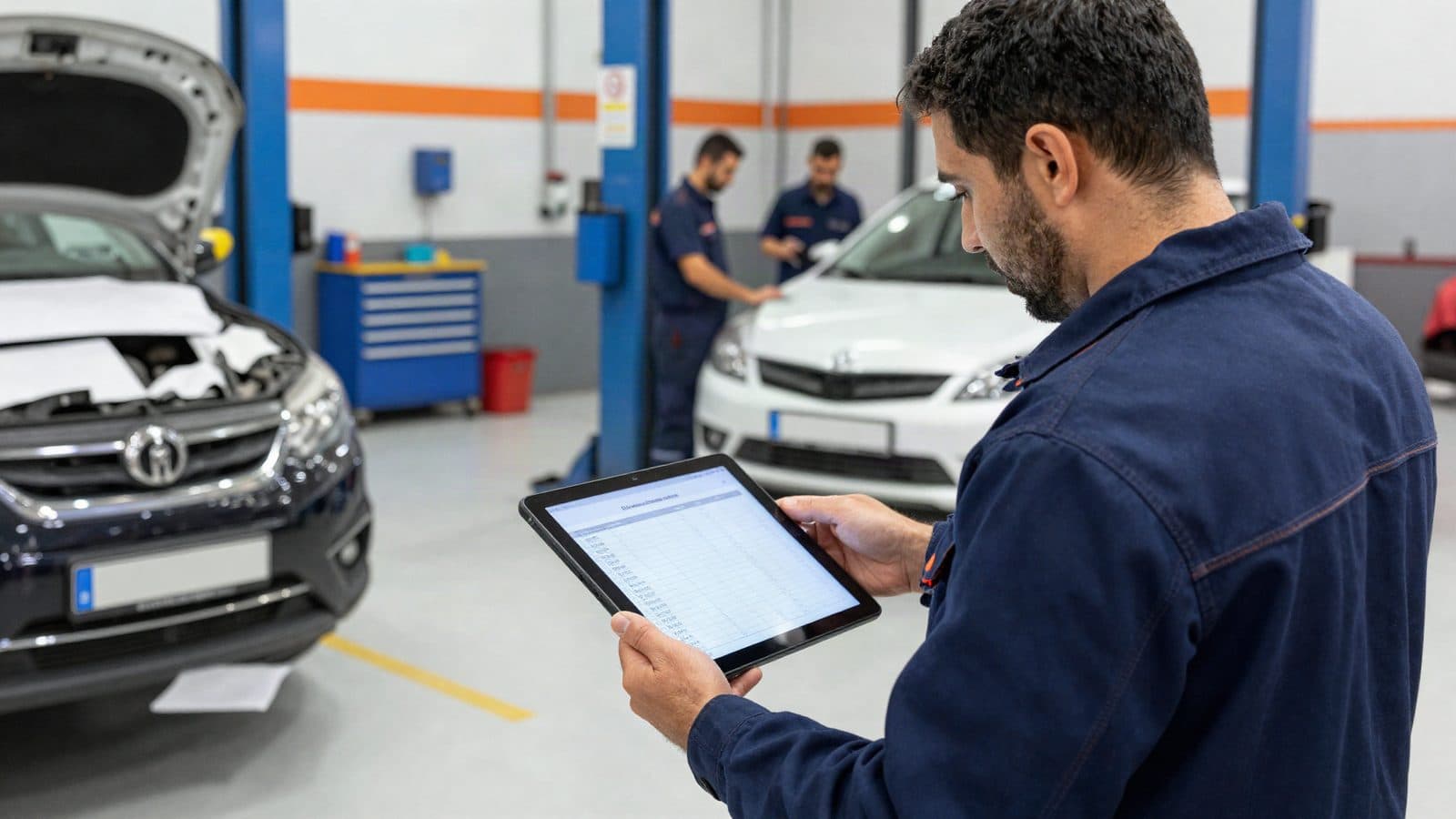
The biggest risk with fleet vehicles is that the maintenance history of similar makes/models gets mixed up. When auto repair software is used, each vehicle's service records, past work, and parts usage information stay tied to its own record; the consolidated customer-level view lists these records together without mixing them up. This way, the service advisor can find answers to both "what was done to this vehicle before" and "what is this customer's overall service volume" on the same screen.
Managing Service, Payment, and Process Tracking in Bulk
Viewing Service Records and Work Status Together
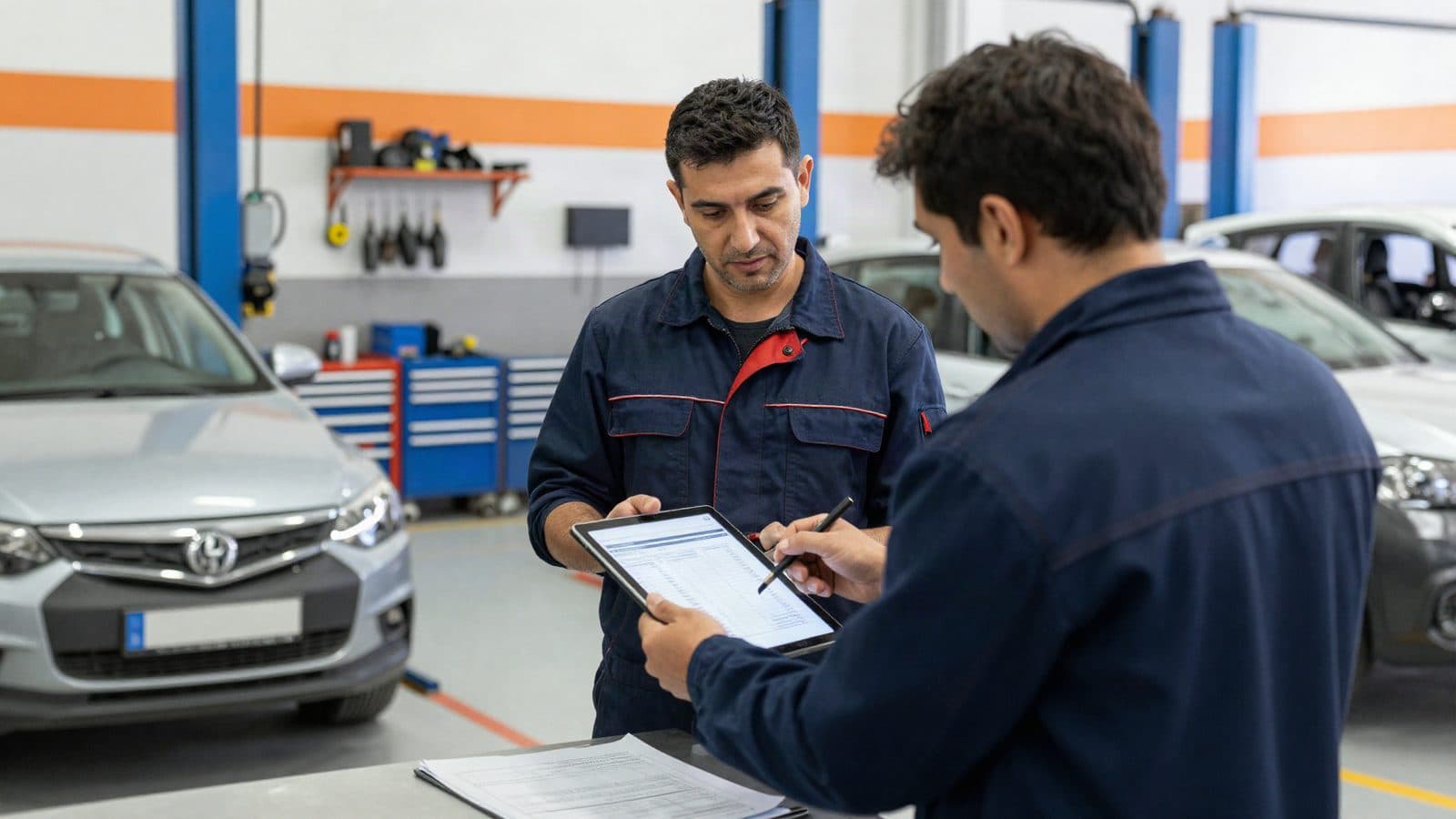
A problem that businesses working with fleet customers often face is tracking which vehicle is at which stage (intake, processing, delivery). In Manifolt, vehicle intake, processing, and delivery stages are managed within a single flow, so even when multiple vehicles belonging to the same fleet are at different stages at the same time, the service team can track them without confusion.
The checklist below summarizes the key points to watch for in fleet customer management:
- [ ] Is every vehicle linked to the correct customer profile?
- [ ] Is the vehicle's intake, processing, and delivery status up to date?
- [ ] Is parts ordering and labor status tracked per vehicle?
- [ ] Does the payment record match the related service record?
- [ ] Can the fleet customer's total vehicle count and active work orders be seen from a single screen?
Clarifying Payment and Accounting Tracking at Fleet Scale
For fleet-owning customers, the payment process is usually not a single transaction but a continuous one — each time a vehicle comes in for service, a separate transaction and a separate payment item is created. Managing service records, customers, and payments within a single flow can make it easier to track these recurring payment items without them getting scattered. For example, when more than one vehicle of a fleet customer comes in for service in a given month, the payment status of each (paid/pending) can be viewed under the same customer record — which can reduce the need for separate lookups on the accounting side.
The table below summarizes the main differences between scattered tracking methods and bulk tracking through auto repair software:
Topic Scattered tracking (Excel/paper) Bulk tracking with auto repair software Vehicle registration Manual data entry Registration document/license plate camera scan Maintenance history Scattered across files Consolidated under the customer profile Service status Manual tracking, may be outdated Intake–processing–delivery in a single flow Payment Requires separate checking Visible together with the service record Access Usually desktop-dependent Mobile-friendly interfacePlanning Parts and Labor Resources at Fleet Scale
When multiple vehicles are in service at the same time, tracking parts orders and labor status becomes important. The parts, labor, and equipment resource management feature makes visible which vehicle is waiting for which part and which labor step has been completed, helping to give the fleet customer the information "your vehicle is at this stage" with greater confidence.
Sıkça Sorulan Sorular
How can I see all of a fleet-owning customer's vehicles on a single screen?
When customer and vehicle portfolios are kept linked to each other, all vehicles registered under a corporate customer's name are listed under a single customer profile. This way, instead of searching for each vehicle separately, all fleet vehicles can be reached from the customer record.
Does the maintenance history of fleet vehicles get mixed up?
No, each vehicle's service record retains its own history. When auto repair software is used, vehicle-level history and customer-level consolidated view are presented together, which helps prevent records from getting mixed up.
How does payment tracking get easier for fleet customers?
When service records and payments are managed within a single flow, the payment status of each vehicle can be viewed together with its related service record. This makes it possible to track payments for fleet customers who bring in more than one vehicle per month from a single screen instead of scattered files.
Conclusion
Fleet-owning customers represent both an important revenue stream and an operational management challenge for service businesses. Trying to track the maintenance history, service status, and payments of dozens of vehicles with scattered records can become increasingly error-prone over time. Setting up a consolidated, customer-level view with auto repair software can allow the service team to access both vehicle-level detail and the fleet-wide big picture at the same time.
More from this author
One Digital File for Every Vehicle: Manifolt as Easy-to-Use Auto Repair Software
Müşteri bilgisi, plaka ve araç geçmişini tek yerde tutan, kullanımı kolay bir oto tamir programı mı arıyorsunuz? Seçim kriterlerini ve Manifolt'u inceleyin.
Auto Repair Software Options in Turkey: Manifolt for Plate Registration, Vehicle History and Maintenance Tracking
Türkiye'de oto tamir programı mı arıyorsunuz? Plaka taramalı araç kaydı, araç geçmişi, bakım takibi ve tahsilat için seçenekleri ve Manifolt'u inceleyin.

Recognize a Returning Vehicle at First Glance: A Guide to Choosing Easy-to-Use Auto Repair Software, and Manifolt
Müşteri, plaka ve araç geçmişini kaydeden, önceki işlemleri gösteren kullanımı kolay oto tamir programı mı arıyorsunuz? Seçim kriterleri ve Manifolt rehberi.

From Ledger to Cloud: Auto Repair Software Options for Auto Service Shops in Türkiye, and Manifolt
Türkiye'de oto tamir programı mı arıyorsunuz? Müşteri, plaka, araç geçmişi kaydı ve bakım takibi için seçenekleri ve Manifolt'un sunduklarını inceleyin.
Customer, Plate and Vehicle History in One Place: A Service Record Guide with Manifolt Auto Repair Software
Manifolt oto tamir programı ile müşteri, plaka ve araç geçmişini tek akışta kaydedin; önceki işlemleri görün, servis ve tahsilat süreçlerini mobilden yönetin.